




A curated collection of simple, standalone HTML + CSS + JavaScript projects you can download, customize, and remix.
Everything here is designed to be copy‑paste friendly, with minimal dependencies.
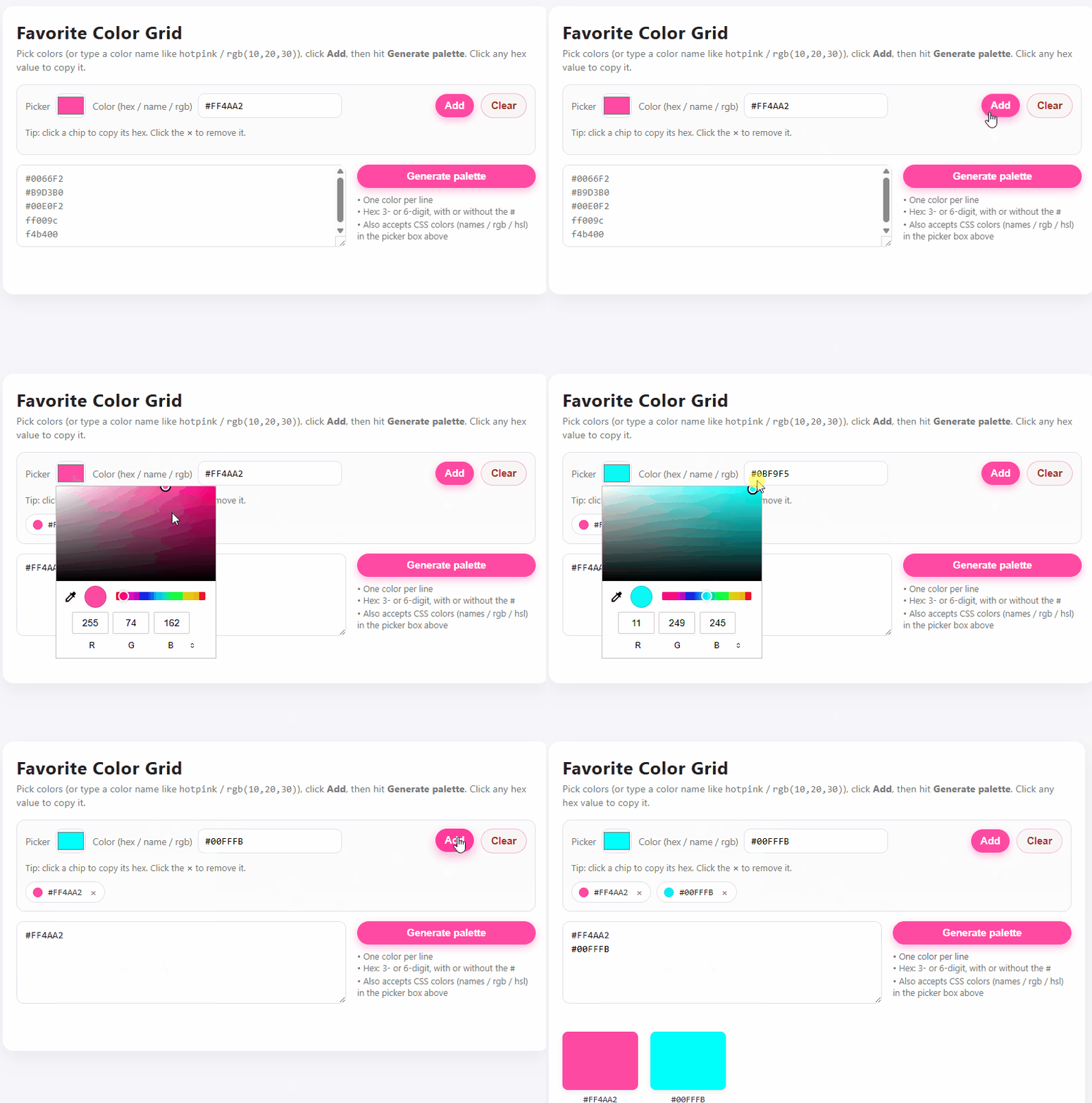
Personal Palette Generator
Choose your favorites with color picker + generate your custom palette.
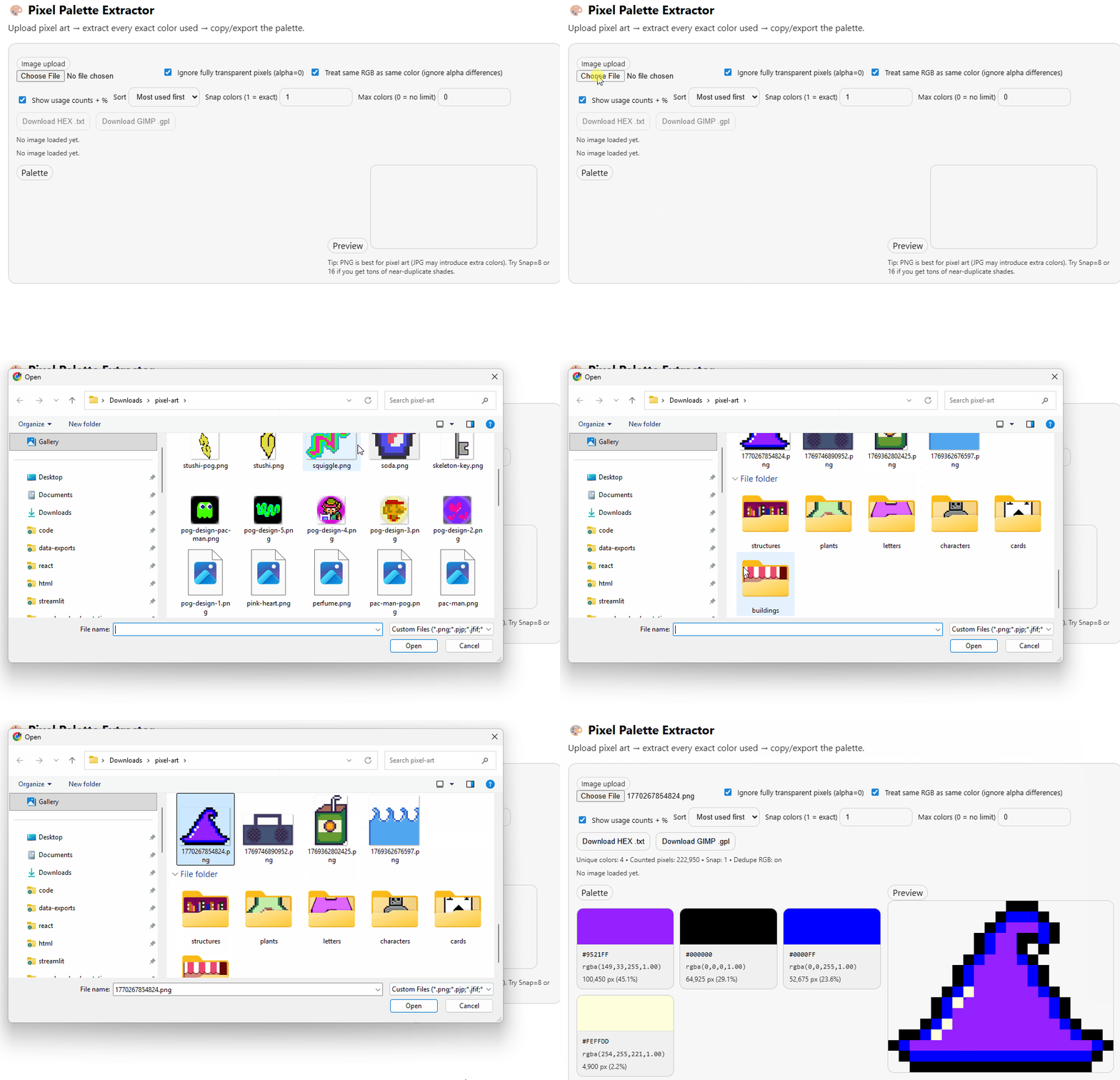
Pixel Art Palette Extractor
Upload pixel art ---> color palette extracted.
Random Color Palette Generator
Dead simple random color palette generator.
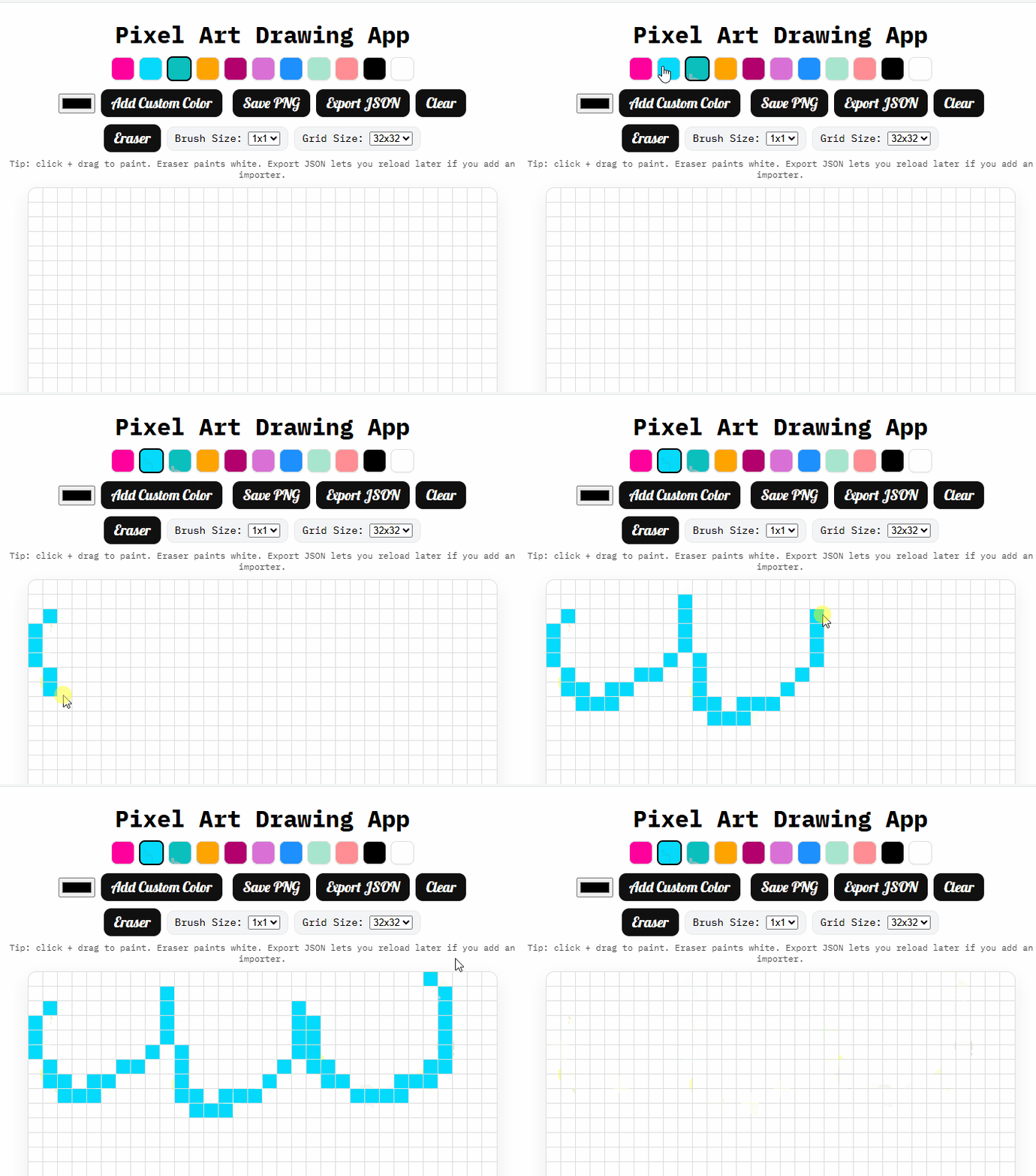
Pixel Drawing Board
Drawing board + editor for creating + exporting pixel art.
Pixel Art to SVG
Upload a pixel art image ---> convert to SVG.
HEX Color to Tailwind Classes
Choose a HEX color ---> get Tailwind classes.
Offline ChatGPT
Load + browse your ChatGPT conversations.json offline.
Snippet Saver
Save + delete notes & snippets right in the browser.
Voice Recorder
Record + download audio and voice notes right in the browser.
Scratch-it Generator
Upload your own image and generate a scratch-it card.
Link List Generator
HTML list of links generator with optional CSS class + placeholder text.
URL to QR Code
URL ---> QR code.
Editable Table Generator
Columns + rows + headings = generate custom HTML table. Click in any table cell to edit content.
HTML Pattern Generator
Generate instances of HTML patterns with placeholders.
Alt Text Generator
Upload image ---> describe ---> generate ALT text.
Quiz Builder
Dead simple + fast quiz generator.
Button Generator
Yet another frontend button generator. Export as code or PNG.
Fake Data Generator
Write schema ---> generate fake data ---> export.
File Naming Generator
Choose file naming conventions ---> generate file names.
Payment Button Generator
Generate payment & buy buttons for selling platforms like Paypal, Stripe, Shopify and more.
Static Calendar Generator
Upload an .ics file and generate a static archive of your Google Calendar.
RegEx Explainer
Enter RegEx ---> decode in plain English.
Countdown Generator
Choose color + Enter date/time + URL.
Word Definition Generator
Enter word + part of speech + custom definition ---> generate dictionary formatted entry.
Chat Message Generator
Enter sender + recipient names + messages = chat app animation.
JSON to Typescript
Upload a JSON file ---> get Typescript types.
CSV to SQL Generator
Upload CSV ---> SQL.
HumorDNA
A fun + silly quiz to explore your humor style.
Philosophical Alignment Quiz
A fun + informative philosophy quiz.
HTML5 Tags Quiz
How many of the 110 HTML5 elements can you name?
Spreadsheet Quiz Generator
Add sections, questions, responses, point values + export to CSV or JSON.
Email Inbox Viewer
Load + browse any .mbox file.
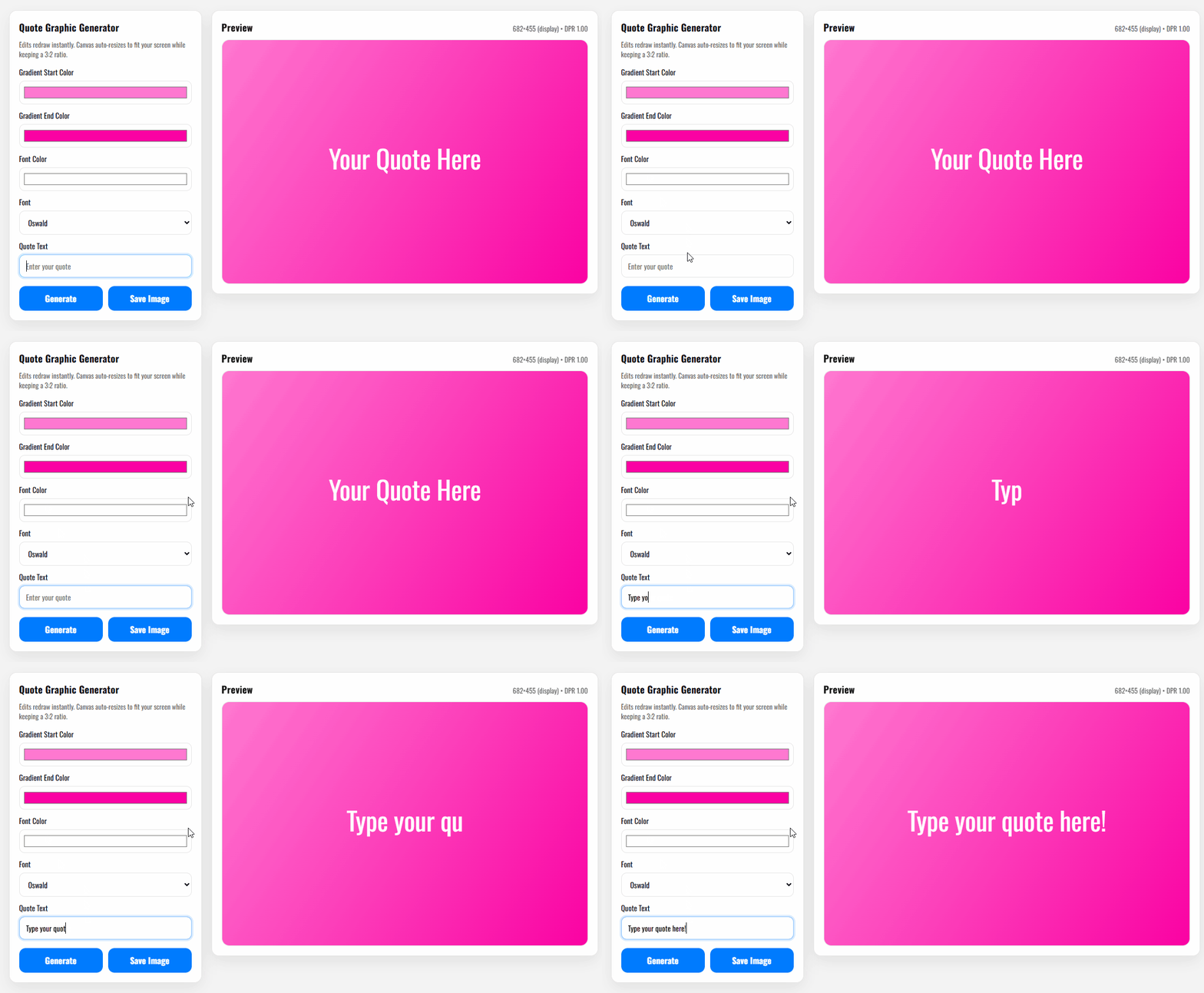
Quote Graphic Generator
Enter favorite quotes + choose font + pick gradient colors = export image.
Hero Diagram Generator
Generate custom pipeline visualizations + export as SVG.
Placeholder Image Generator
Input dimensions + prompt + style = placeholder image.
Folder Structure Visualizer
Create directory tree diagrams of your projects + export as .txt, .json, .md, PNG or SVG.
Boggle Board Generator
Boggle board generator with timer & basic scoring.
Poetry Squared
Challenge yourself to write a poem that reads the same both horizontally + vertically.
Rhyme Finder
Advanced search for rhyming words via the Datamuse API.
Cookbook Formatter
Easily format + generate Kindle-ready cookbooks.
Github Topics Cloud Generator
Enter any Github username to generate a tag cloud of their most frequently used Topics.
YAML Form Generator
Generate .yml forms for Github.
Github Button Generator
Generate markdown buttons for Github.
Github Link Generator
Generate and customize Github links based on URL patterns.
Option A — Download everything
- Click “Code” → “Download ZIP” on the GitHub repo.
- Unzip and open any
index.htmlfile in your browser. - Tweak the HTML/CSS/JS to fit your needs.
Option B — Grab one project
- Navigate to the folder you want in this repository.
- Download only the files in that folder (right‑click → Save link as).
- Open the HTML in your browser and edit.
Option C — GitHub Pages (recommended)
- Fork this repo (or use it as a template).
- Push to your GitHub account.
- In your repo: Settings → Pages → Source:
main→/root. - Your projects will be live at
https://<your-username>.github.io/<repo>/...
- Change colors & fonts: tweak values in the
:rootCSS custom properties or the.cssfile in the same folder. - Swap copy/content: edit text inside the HTML. Keep the structure, replace the words.
- Add images: place your images in the same folder and reference them with a relative path (e.g.
./hero.png). - Disable features: comment‑out or remove event listeners in the JS files.
- Mobile tweaks: use CSS media queries (e.g.
@media (max-width: 640px)). - Accessibility: ensure sufficient color contrast, add
alttext to images, and use semantic HTML elements.
project-name/
├── index.html        # the main entry point
├── styles.css        # styles (or inline in HTML)
├── script.js         # optional interactive behavior
└── assets/           # optional images, fonts, etc.
Got a fix, a feature, or a brand‑new mini‑project?
- Fork this repo and create a branch:
git checkout -b feature/your-idea - Add your project in its own folder (see layout above).
- Include a short README.md inside your folder with: purpose, features, how to use, and license note.
- Open a Pull Request describing your changes and screenshots/GIFs if relevant.
Please read the CODE_OF_CONDUCT.md and CONTRIBUTING.md before submitting.
Unless otherwise noted inside a project folder, this repository is released under the MIT License.
You can use these projects in personal or commercial work with attribution preferred but not required. See LICENSE.