Skip to content

Aryan2601/Bug_Tracker

Folders and files

NameName
Last commit message
Last commit date

Latest commit


History

23 Commits


Repository files navigation

Bug Tracker 😕 😕

What is Bug Tracker ❓ ❓

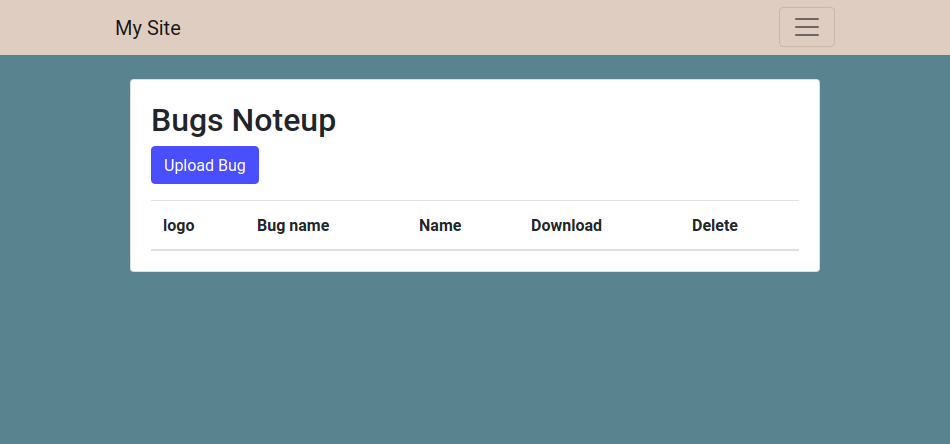
➡️ This is Not a actual bug tracker as by name this is a person work loading and he will be uploading his work after loggin in using google.
Steps to run Server 👍 👍 👍

📌First open terminal then go to django_project folder.

📌Then run command python3 manage.py runserver.

📌Then copy the url link and run it in your browser.

📌Now You are at main site.

⬇️ ⬇️ ⬇️ ⬇️ ⬇️

Features 😄 😄

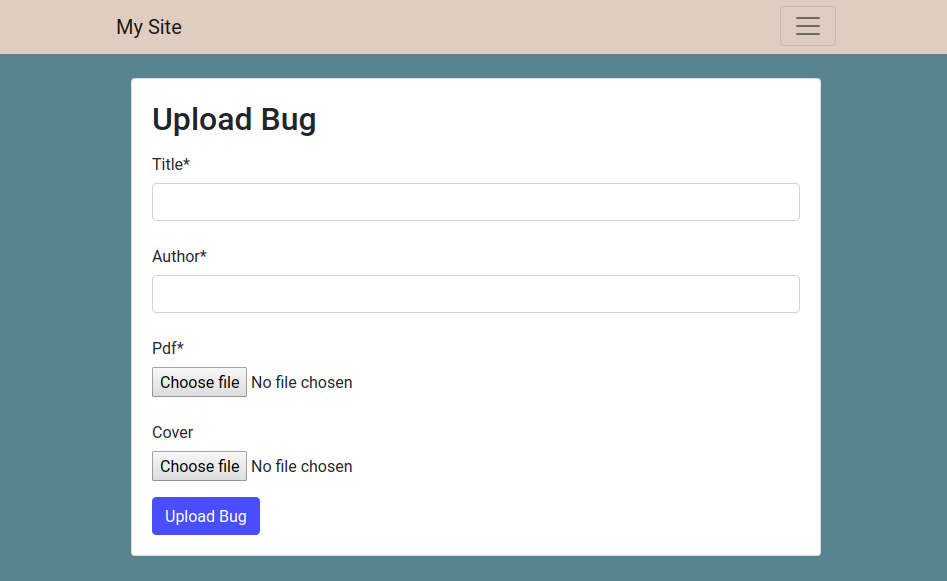
📌 You can Upload and make a Folder With Giving name of the your folder

Screenshot from 2020-03-04 23-38-33

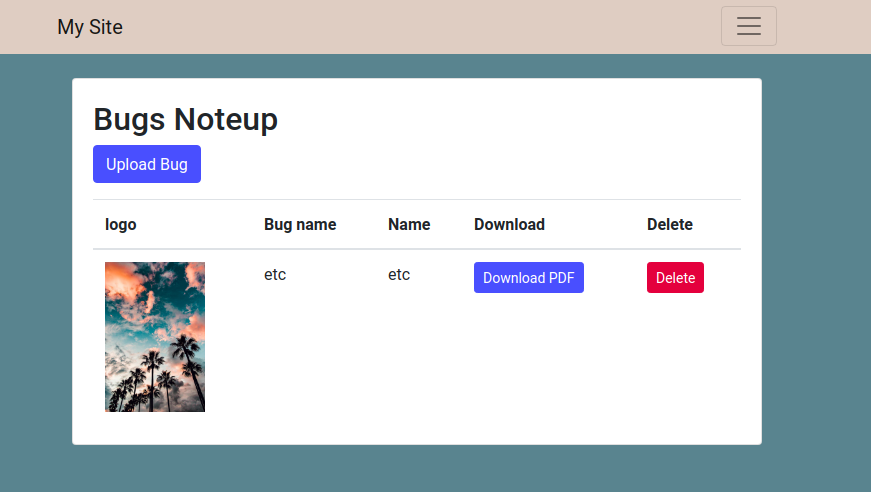
📌 You can also set the profile pic of your folder

Screenshot from 2020-03-04 23-38-48

📌 You can click on Download button and look at your file details

Screenshot from 2020-03-04 23-39-20

📌 You can Upload Your File in any format

Screenshot from 2020-03-04 23-38-48

📌 You can also delete the folder created

Screenshot from 2020-03-04 23-40-16

TO add a Oauth service provider do the following

📌Django framework offers various sign in options like google , facebook,github and other 30 applications.

📌For This project i used login through google

📌add some things in settings.py in INSTALLED_APPS Section :

📌 'allauth',

📌 'allauth.account',

📌 'allauth.socialaccount',

📌 'allauth.socialaccount.providers.google',

📌 'login',

📌SITE_ID=1

📌LOGIN_REDIRECT_URL='http://127.0.0.1:8000/upload/'

📌 After adding all these you can use command python3 manage.py runserver.

📌 Now add that provider as google and all the details required name the url as localhost:8000

📌 Now get client id and secret id from https://console.developers.google.com/ .Here i will not be mentioning my client id and

📌secret id as it might be used in some undesirable manner if needed ask me for it personally.

📌 Add client id and secret id .

📌 Now LOGIN_REDIRECT_URL='http://127.0.0.1:8000/upload/' is for redirecting you to the page which should appear just after you google sign. The above is what is my redirect page.

📌 This is it we are now able to sign in through google into our site.

How to create an app:-

Python manage.py startapp (appname)

Two http methods are as under:-

📌post and get

📌Get is for fetching the data from server

📌Post is for adding new data to server

To create superuser:-

📌Python manage.py createsuperuser

To start a project:-

📌Django-admin startproject mysite

About

This is Not a actual bug tracker as by name this is a person work loading and he will be uploading his work after loggin in using google.
Topics

Resources

Stars

Watchers

Forks

Releases

No releases published

Packages


Contributors